WhatTown

For road trips with Google Maps

What town are we passing?

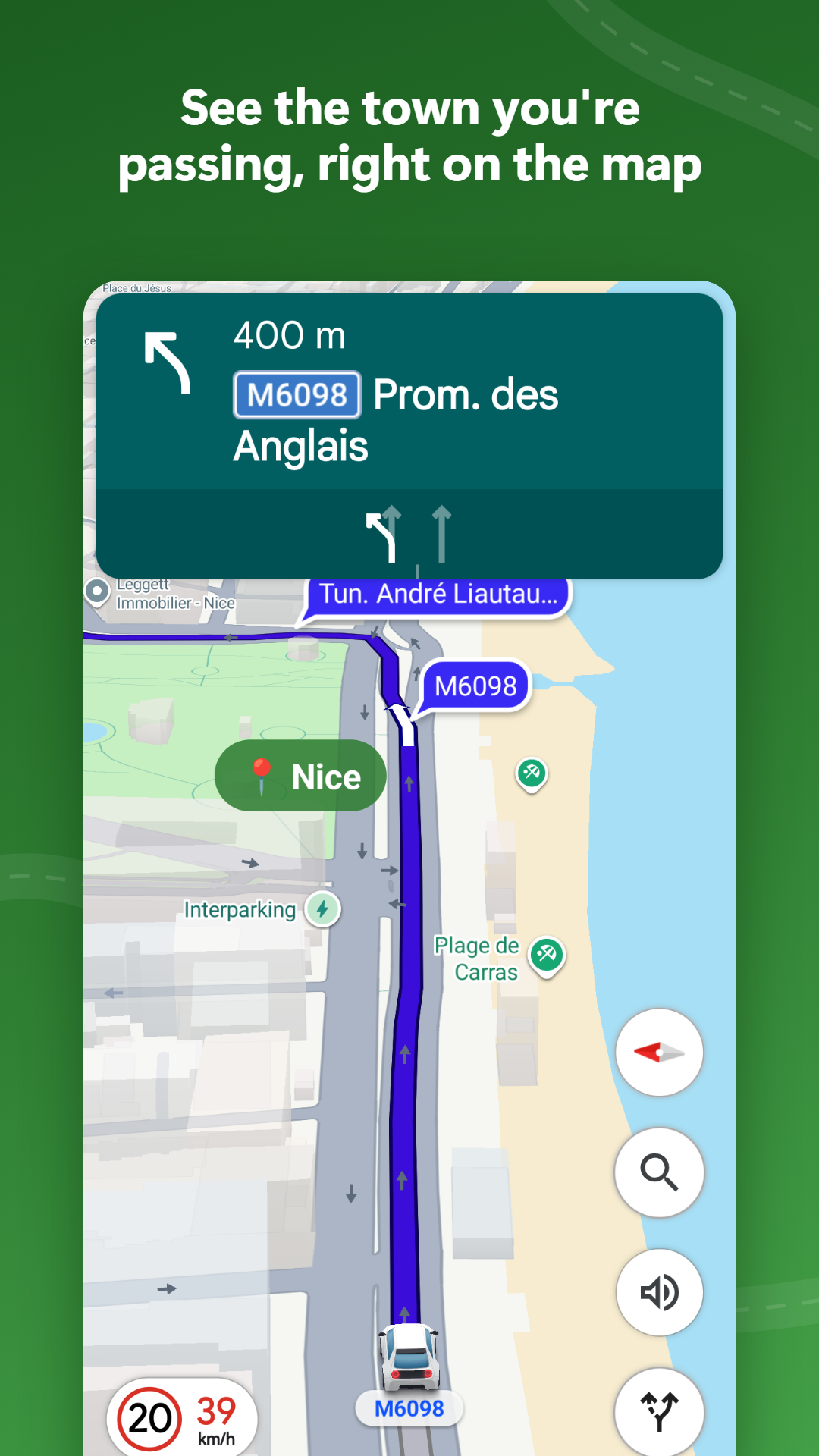
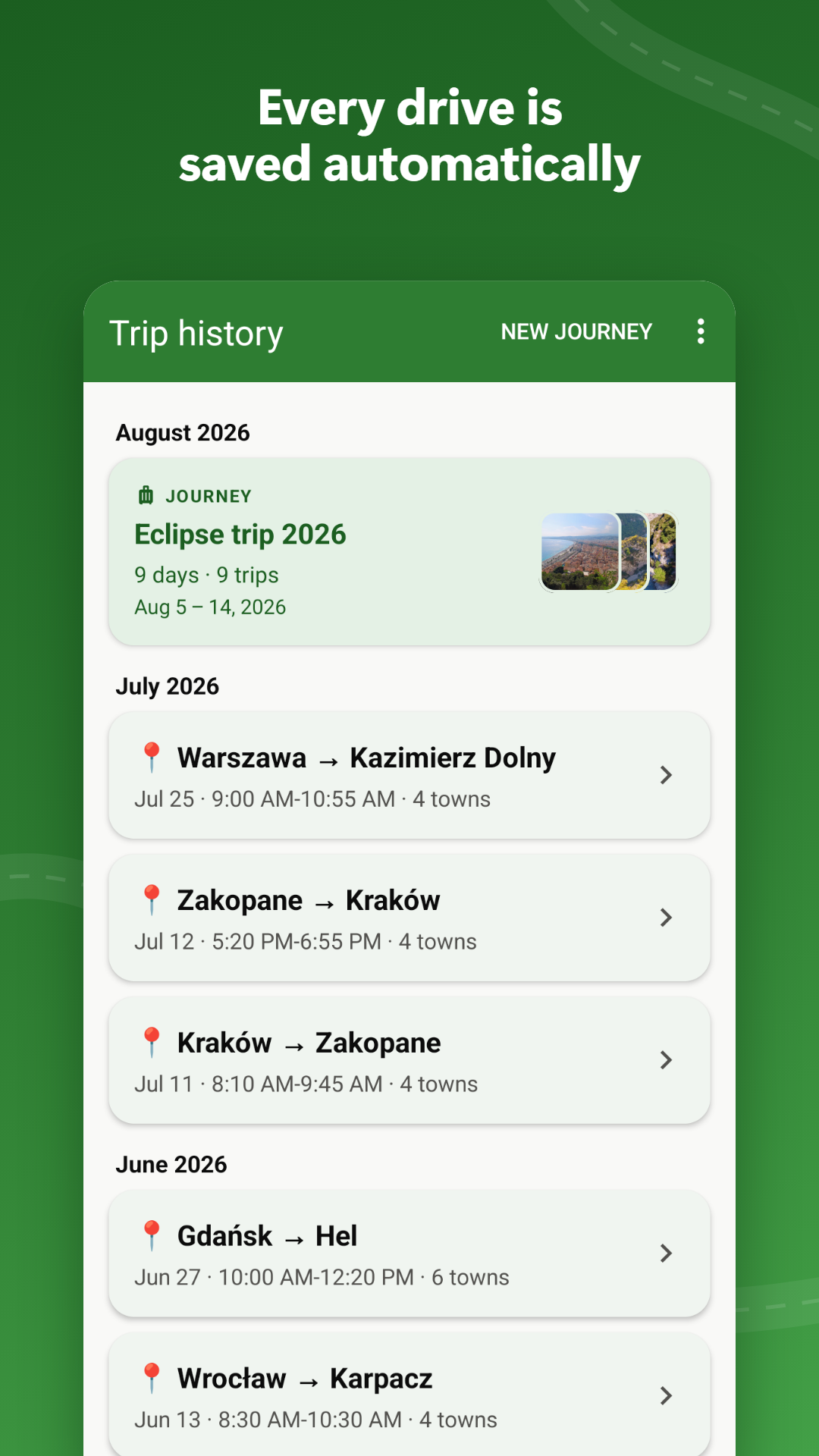
WhatTown shows a small overlay with the name of the town you are driving through, right on top of Google Maps. It turns on by itself when navigation starts, and every drive is saved, so later you can see the whole route with your notes and photos.

Free Android app, no ads. Now in closed testing on Google Play.

📍 Łochowo

Today's trip

  1. Murowaniec
  2. Drzewce
  3. Łochowo

Start navigating, the rest happens by itself

You drive with Google Maps as usual. The town name appears on the map, and the drive lands in your trip history, ready for notes and photos.

What's inside

A town name overlay while you drive, and a travel log afterwards. Nothing to set up before each trip.

Town name on the map

  • Appears by itself when you start navigation in Google Maps and hides when navigation ends
  • A small overlay with the town or area you are in, on top of the map
  • Drag it where it doesn't get in the way and pick the text size
  • Can also be turned on by hand, without navigation

Every drive saved

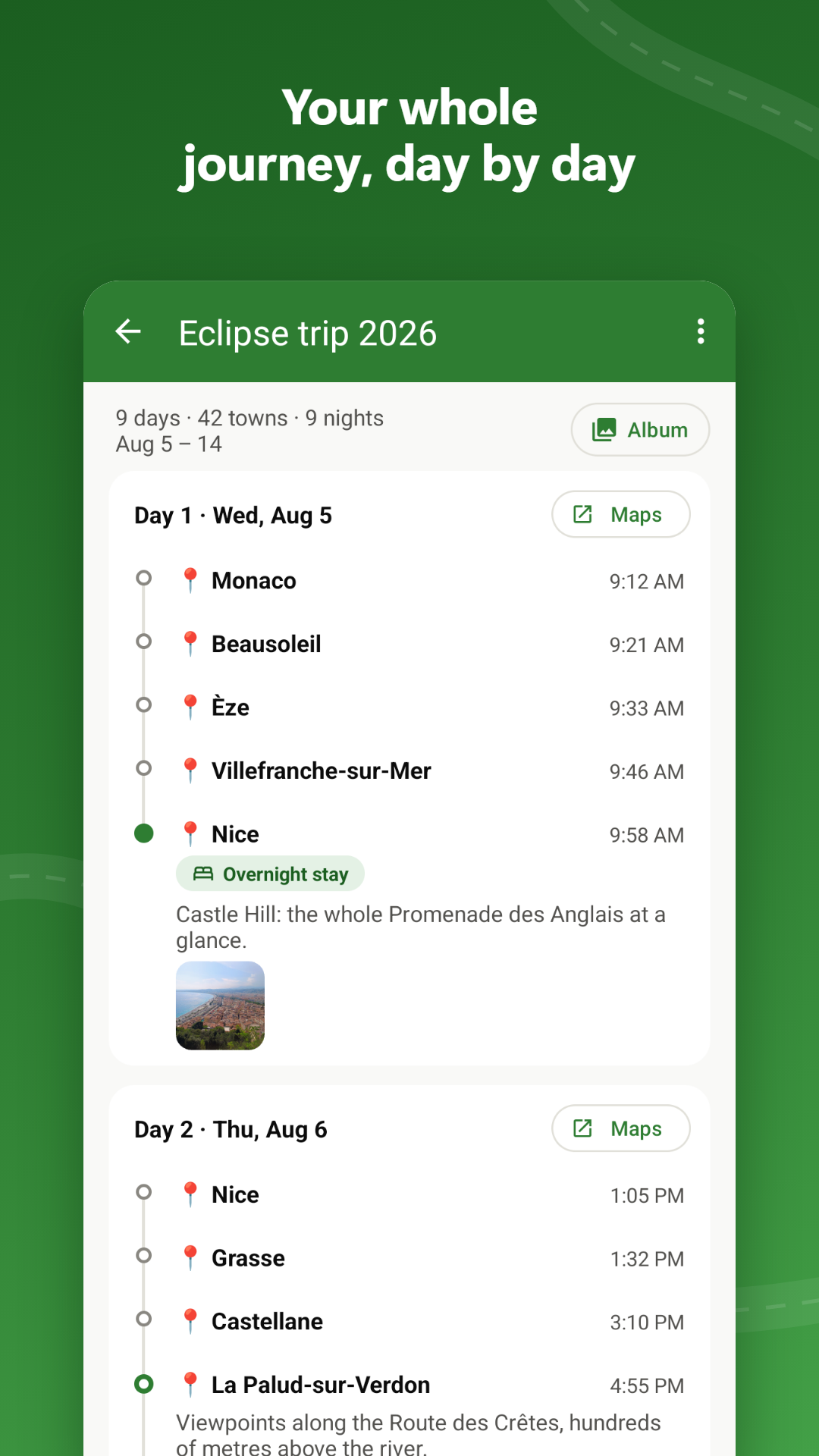
  • Each drive becomes a list of the towns you passed, with times
  • A drive cut short by a restart or a flat phone battery is not lost
  • Send a trip to anyone through the Android share menu

Journeys

  • Group several days of driving into one journey, like a two-week camper trip
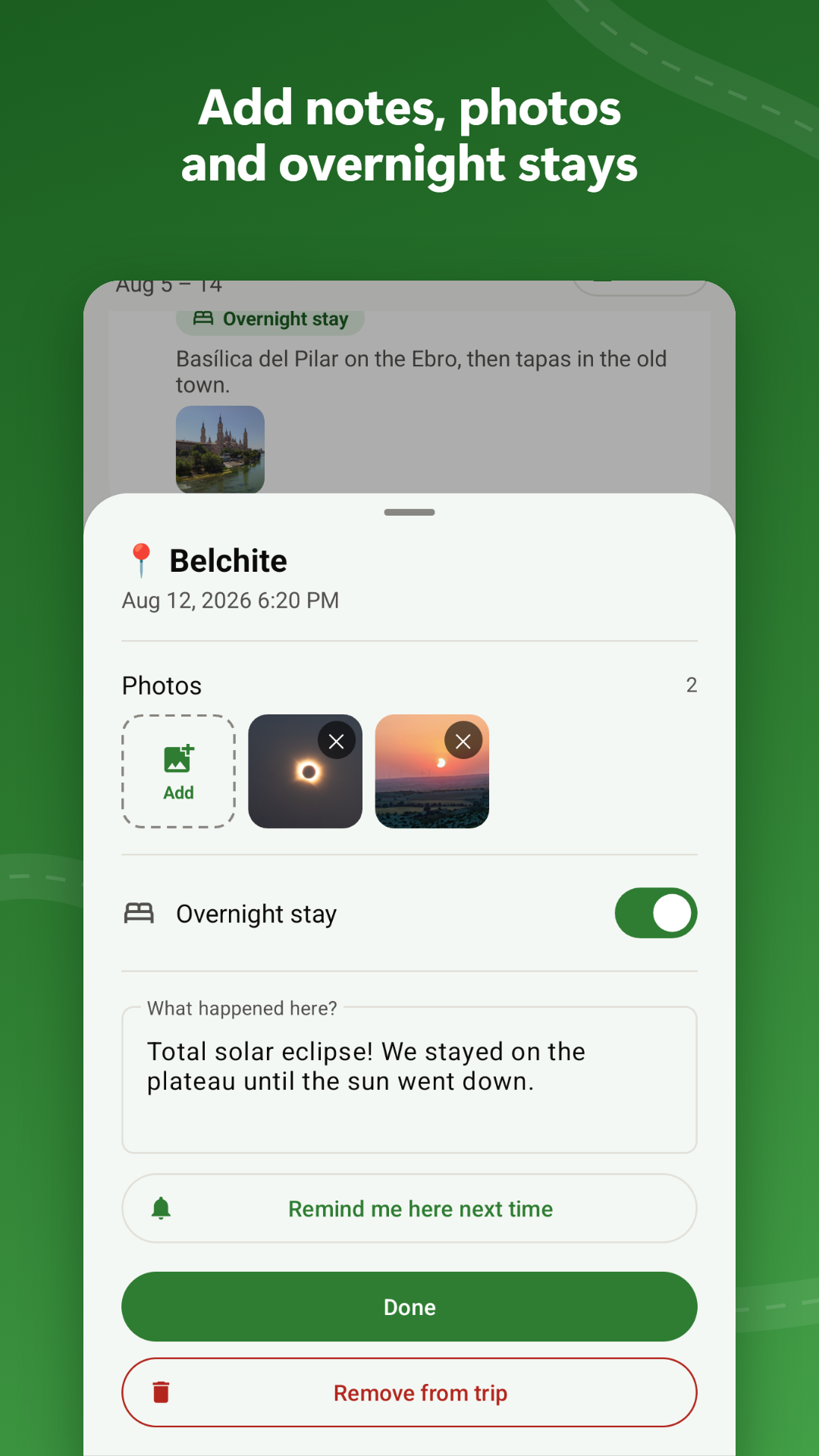
  • Timeline day by day, with overnight stays, notes and photos next to the towns
  • Share a whole journey as one album file with photos that opens in any browser

Private and easy on the battery

  • No account, no ads, no analytics. Trips, notes and photos stay on your phone
  • Location is used only while the overlay is on, when GPS is already running for Google Maps
  • Back everything up to a single ZIP file, stored wherever you choose

Join the closed beta

Google Play lets a new app go public only after a closed test with at least twelve testers, so every tester counts.

  1. Join the tester group

    It's a Google Group, one tap to join. Use the Google account that's signed in on your Android phone.

  2. Become a tester

    Open the tester link and tap "Become a tester". It only works once you're in the group.

  3. Install the app

    Open it in Google Play and install it like any other app. The store link works once you're a tester.

1. Join the tester group 2. Become a tester 3. Install the app

Installed? Let me know, Google doesn't show who joined. Email algoris.eu@gmail.com